Guides
Make every film better.
Step-by-step guides for choosing a photo, writing a scene, picking your options and sharing what you make.
Start here.
Three guides that cover most first films.
-
Scenes5 min read
Write a scene in one sentence.
How to write AI video prompts that say what you mean: one sentence built from who, where, when and mood, with 15 before-and-after examples.
Read the guide -
Photos4 min read
Choose the best photo.
How to choose the best photo for an AI video: one clear face, even light, sharp eyes. A five-point check for the photos already on your iPhone.
Read the guide -
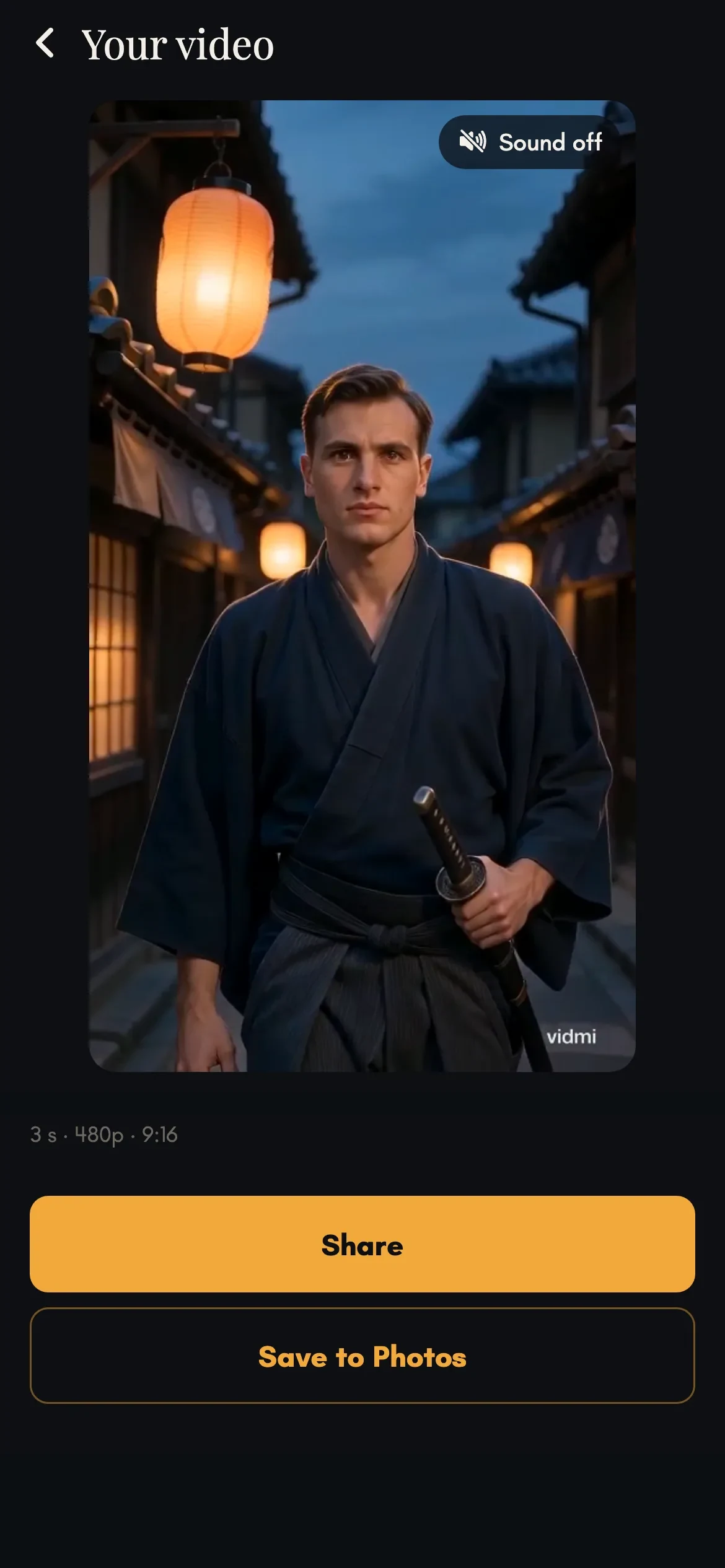
Sharing4 min read
Post your film on TikTok.
How to post a video on TikTok from your iPhone: save your vidmi clip to Photos, upload it at 9:16, choose the sound and turn on the AI label.
Read the guide
- Ask Before You Animate Someone Before you make or post a video of a friend or relative, ask. A short etiquette guide to consent and sharing.
- How to Choose the Best Photo for an AI Video How to choose the best photo for an AI video: one clear face, even light, sharp eyes. A five-point check for the photos already on your iPhone.
- How to Crop a Person Out of a Group Picture on iPhone How to crop a person out of a picture on iPhone: duplicate the group photo, crop to one face and shoulders, and keep enough detail for an AI video.
- Glasses, Hats and Beards in a Face Swap Video: Photo Tips Face swap with glasses, a hat or a beard: what to expect in your video, how to avoid glare and brim shadow, and when to add an accessory as a touch.
- How to Scan Old Photos With Your iPhone, Without Glare How to scan old photos with an iPhone and no scanner: soft window light, no glare, a straight angle and a tight crop. A clean way to digitize old prints.
- How to Take a Good Selfie on iPhone: Light, Angle, Expression How to take a good selfie on iPhone: face a window, hold the camera at eye level, skip filters. Seven steps to a clear face photo for your next video.
- Which Video Resolution to Pick for Phone, TV or Keepsake The best resolution for Instagram Reels, a group chat, a TV or a keepsake: when 480p, 720p or 1080p is the right pick for a vidmi video.
- How Long Should a Short Video Be? 3, 5, 7 or 10 Seconds How long should a short video be? Match the length to the moment: 3 seconds for a reaction, 5 for a scene, 7 for a story beat, 10 for a tribute.
- How to Customize an AI Video Template With One Detail How to customize an AI video template in vidmi: add one small detail in the Customise box, such as a red scarf or falling snow, plus five recipes to try.
- Camera Movement Prompts for AI Video, in Plain Words AI video camera movement prompts in plain words: slow push-in, orbit, tracking shot, handheld. What each move does and how to ask for it in a scene.
- AI Video Didn't Come Out Right? What to Change Next How to fix a bad AI video in vidmi: name what feels off, whether it is the face, the scene, the motion or the mood, change one thing and make it again.
- Get More From Your Credits: Seven Habits How to use fewer credits on each AI video in vidmi: watch the sample, preview the scene in words, draft short on Fast, then finish once at full size.
- Cinematic Lighting Prompts: Words That Set the Mood Cinematic lighting prompts for AI video: golden hour, neon, candlelight, overcast. The lighting words that change the mood of a scene, with examples.
- How to Pick the Right Scene for the Person in Your Photo How to choose an AI video template: three quick questions about the person, the age of the photo and the occasion point you to the right vidmi scene.
- How to Write a Period Scene: Clothes, Props and Light by Decade Write a historical AI video prompt that fits its decade: the clothes, props, settings and light of the 1920s to the 1990s, in words to copy.
- How to Write AI Video Prompts: One Sentence, Five Parts How to write AI video prompts that say what you mean: one sentence built from who, where, when and mood, with 15 before-and-after examples.
- How to Combine Videos on iPhone With iMovie How to combine videos on iPhone with iMovie: put several short vidmi clips in order, trim them, add a title and one song, and export one longer video.
- How to Film a Reaction Video of a Surprise Reveal How to film a reaction video when you show someone their surprise: where to put the phone, the light, when to start recording and when to keep it private.
- How to Make a Birthday Video: A Surprise From One Photo How to make a birthday video that surprises them: get the photo, choose a scene they would never expect, set it up for the TV and plan the reveal.
- How to Make a Memorial Video: One Short Scene, Step by Step How to make a memorial video scene from one photo: choose the portrait, a calm setting and the sound, then add the short clip to a service slideshow.
- How to Keep the Same Face Across a Series of AI Videos A method for a consistent character in AI video: one photo, fixed settings and a signature detail in every scene. It steadies a series, with no guarantee.
- How to Make a Video Christmas Card From One Family Photo How to make a video Christmas card: one family photo becomes a short winter scene, sent to everyone on your list by text or email.
- How to Make a Short Film With AI: Plan It in Three Scenes How to make a short film with AI on iPhone: plan three scenes, make each one as its own short vidmi video from the same photo, then join them in iMovie.
- How to Animate Old Photos: A New Video From an Old Print How to animate old photos on an iPhone, step by step: scan the print, pick a scene that fits the person, choose the sound, and save a new short video.
No guides match that.
Try a simpler word, like “photo”, “sound” or “TikTok”.
Free to try.
Coming soon to iPhone: add one photo and try what you just read. No account needed.
For iPhone.