The first version.
Add a photo of a face, pick a scene or write your own, and get a short cinematic film starring that face. No editing, no timeline.
01 Scenes to star in
Step into a scene.
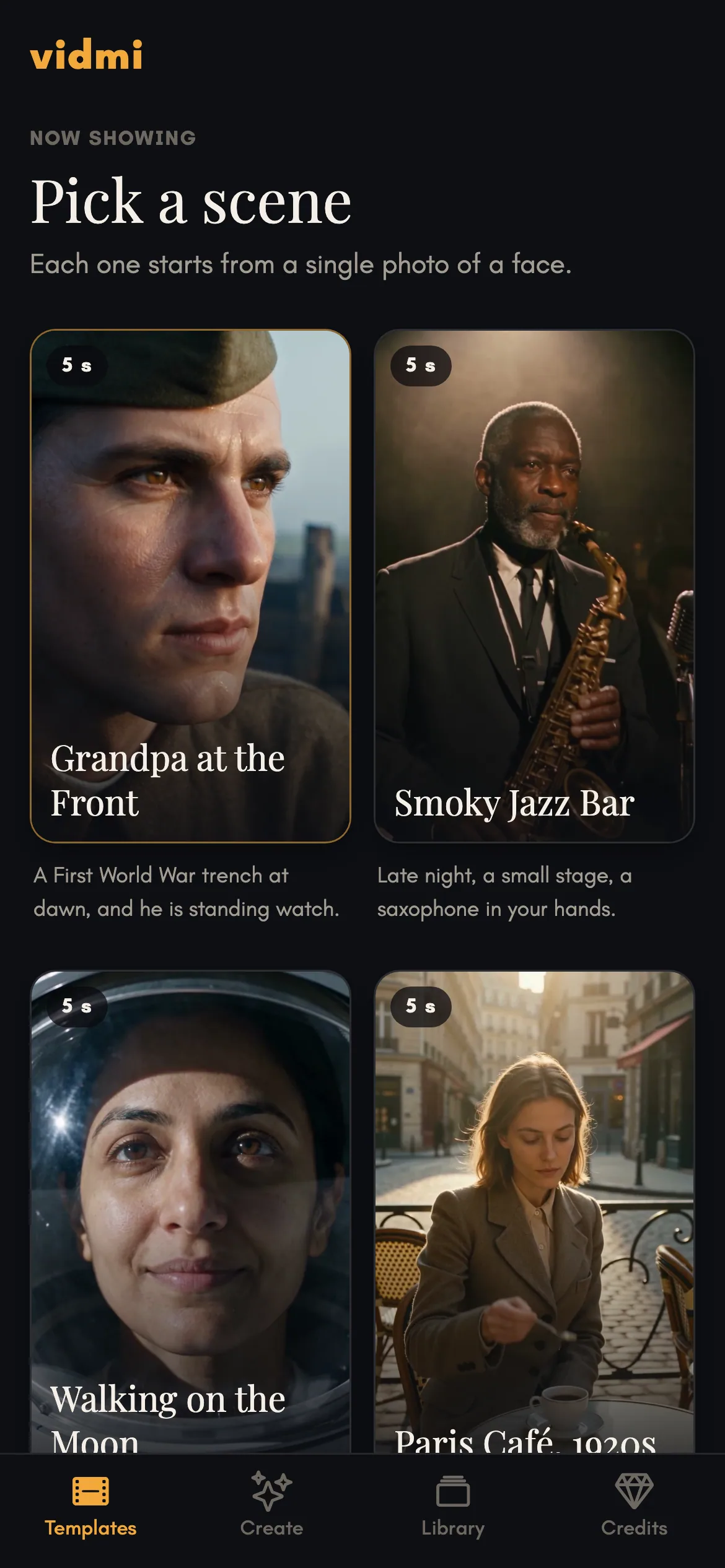
- A grid of ready-made scenes under “Pick a scene”. Each one plays its sample film as you scroll.
- A First World War trench at dawn, a walk on the Moon, a Paris café terrace, a misty fjord.
- A “Customise” box on every scene for your own touches, like a red scarf or falling snow.
See every scene 02 Your own words
A scene, in a sentence.
- “Write my own instead”: describe any scene in a sentence and make it the setting of your film.
- Three tap-to-fill examples to get you started.
- “Preview the scene” shows, in words, what your film will show before you spend anything.
Write your own scene 2. Your scene
Describe your scene in your own words me walking on the Moon
- my grandpa carrying an artillery shell at the front
- me singing jazz in a smoky bar
- me walking on the Moon
Preview the scene
03 Your choice of finish
Choose speed or spectacle.
- Three models: Fast, Quality and Max, each with its cost shown before you tap.
- Length of 3, 5, 7 or 10 seconds. Resolution of 480p, 720p or 1080p.
- Shape in 9:16, 16:9 or 1:1. Sound as “Voices + sounds”, “Sounds only” or “Silent”.
- “Use this video as reference” to follow a sample’s camera moves and timing closely.
See all features 04 Watch, keep, share
Finished, and ready for the feed.
- A “Your video is ready” alert, so you can leave the app while your film is made.
- Up to three videos in progress at once.
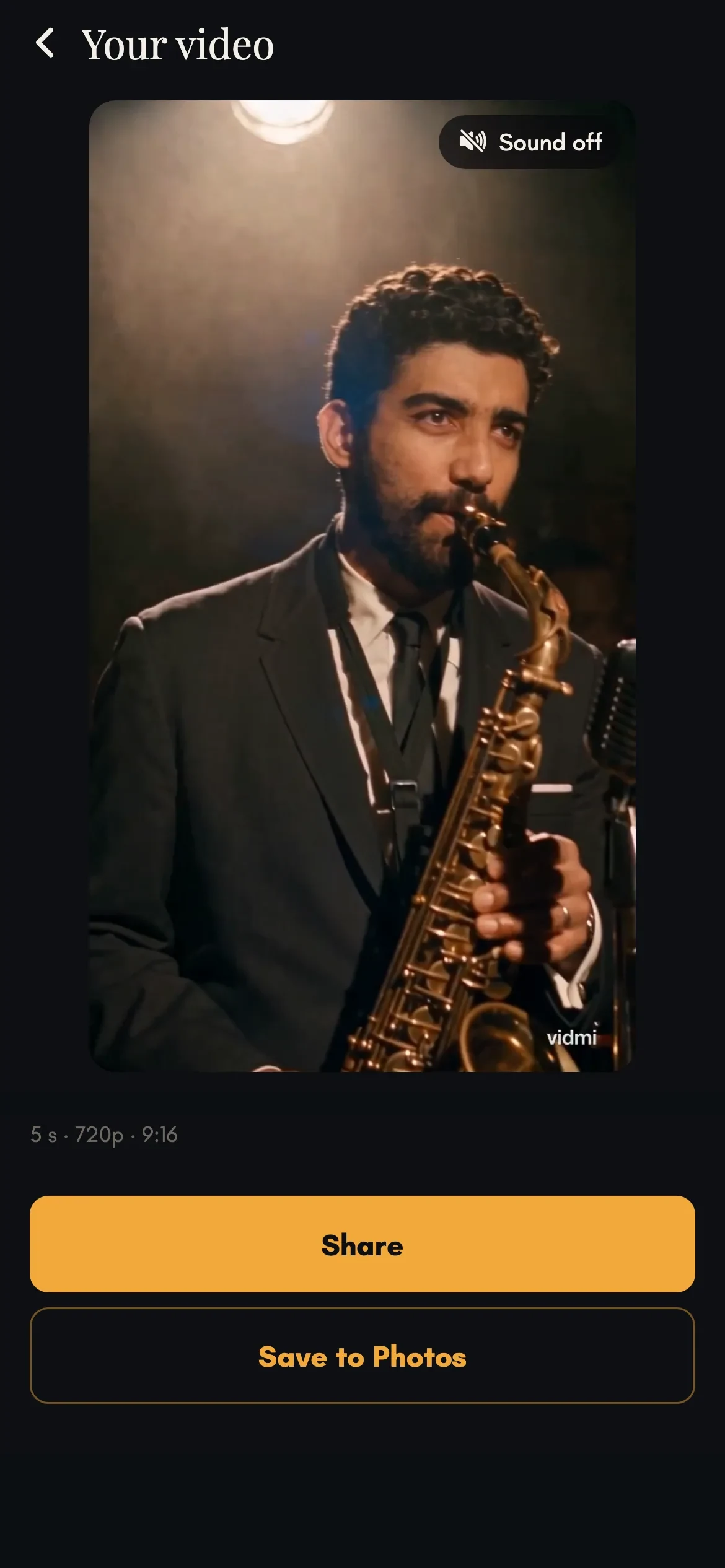
- “Share” to any app on your iPhone, or “Save to Photos” in one tap.
- A Library of your films, newest first, with the status of each one.
See how it works Your video is readyTap to watch and share it. now 05 Fair from the first tap
Free to start.
Fair after that.
- Try it free. No account, no sign-up.
- After that, credits bought in the app through Apple. One-time purchases, no subscription.
- If a video doesn’t come out, its credits or free video come back to you automatically.
Try it free Make my free video Your free render is back.