Pricing
Start free.
Pay only for what you make.
Try it free. After that, buy credits in the app and spend them one film at a time.
- No subscription
- No account
- Cost shown before you tap
The whole deal.
On one page.
Free
Free to try.
Make a video before you spend a thing.
Fast, 480p, 3 seconds.
Credits
Bought once, in the app.
Credits come in packs you buy through Apple. Nothing renews, nothing to cancel, and no account to make.
- One-time purchase
- No subscription
- No account
- Apple handles the payment
The cost comes first
You see it before you tap.
The main button on the Create screen always tells you where you stand.
Fair by design
If a film fails, it’s free.
Credits come back on their own. If an idea can’t be made, you hear so before anything is charged.
Free to try
Try the real thing first.
“Try it free: 480p, 3 s on Fast.” Pick any scene or write your own, then tap “Make my free video.”
In a free video
- Any scene, or your own words
- 9:16, 16:9 or 1:1
- Voices + sounds, Sounds only or Silent
- Share or save to Photos
Credits add
- Quality and Max
- Up to 10 seconds
- Up to 1080p
- “Use this video as reference”
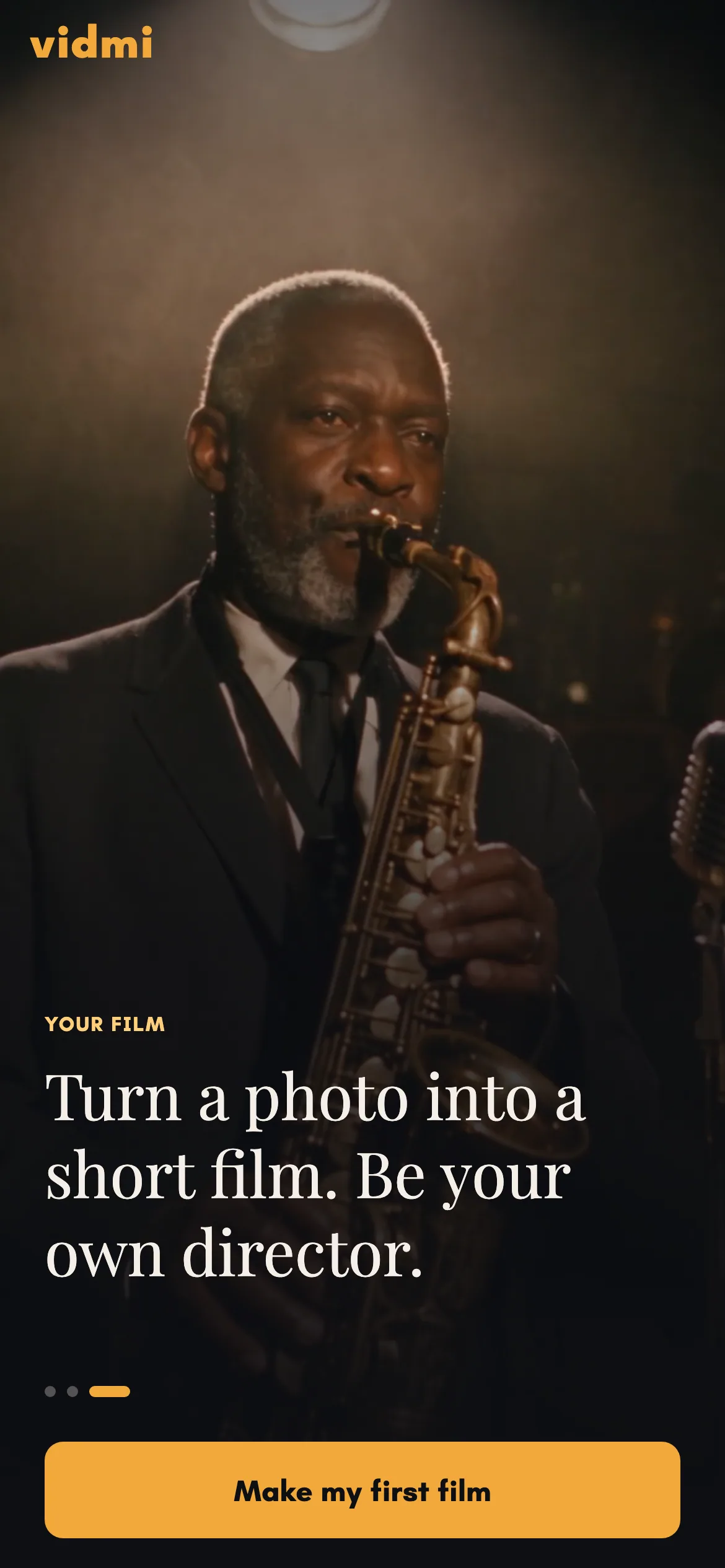
Fast, Quality or Max
Pick the film.
Then the model.
All three can make sound and follow a reference video. Each model card in the app shows its cost for your settings.
| Fast | Quality Default | Max | |
|---|---|---|---|
| In the app | “Ready in about a minute and a half. The lowest cost per video.” | “Richer detail and steadier motion, with true 1080p.” | “Our most cinematic model. True 1080p and the best sound.” |
| Speed | |||
| Detail | |||
| Good for | Trying ideas | Everyday films | The keepers |
| Free to try | Yes | Credits | Credits |
What changes the cost.
- ModelFast costs least. Quality and Max use more.
- Length3, 5, 7 or 10 seconds.
- Resolution480p, 720p or 1080p.
- ReferenceFollowing a sample’s camera moves costs more.
Try it on Fast.
Make the keeper on Max.
Scene samples made with Max.
Pricing, plainly.
Is vidmi free?
Free to try: 480p, 3 seconds, on the Fast model. After that you use credits bought in the app.
Is there a subscription?
No. Credits come in packs you buy once through Apple’s in-app purchase. Nothing renews.
Where do I see current prices?
In the Credits tab of the app. Packs live there, and every video shows its credit cost before you tap.
What if a video fails?
You get it back. A failed paid video returns its credits to your balance, and a failed free video returns your free render.
Do my credits move to a new phone?
No. There is no account, so credits stay on the iPhone that bought them.
One photo away from your film.
Coming soon to iPhone: add one photo and pick a scene. No account needed.
For iPhone.