AI Video for Families and Hobbies
AI video for fun: a short film starring the face in one photo, in a ready-made scene or one you describe in a sentence. Pick the page that sounds like you.
A short film starring one face
You add one photo of one face on your iPhone, choose a ready-made scene or describe your own in a sentence, and vidmi makes a 3 to 10 second film with that face in it. There is no account to open, and it is free to try.
Two limits matter for fun. A video has one face, so each person in the family gets a video of their own. And every video carries a small vidmi mark in the bottom-right corner.
Two sentences to start with:
- “My dad at the wheel of a small wooden fishing boat at dawn, mist on the water, laughing at the sky.”
- “Me in a lantern-lit night market, slowly turning to look over my shoulder as steam rises from a stall.”
The photo to video page walks through the steps. If you came for face swap video, this is it: your face goes into vidmi’s scenes, not yet into a video you upload.
For families, grandparents and couples
Start here if the video is for people you love.
- Families: one scene, one film per person, posted together in the group chat.
- Grandparents: a grandmother or grandfather as the star, or as the one making films for the grandkids.
- Couples: one film of each of you, sent on an ordinary Tuesday.
Use photos you have the right to use. The app’s own photo tip is the one to follow: “One clear face, looking at the camera, good light. No sunglasses or group shots.”
For cosplayers, gamers, history buffs and readers
These pages are for people who already live in another world and want to see their own face in it.
- Cosplayers: see an original character before you cut any fabric.
- Gamers: stand inside the kind of world you play.
- History buffs: a longship prow, a lantern-lit street, the century you know best.
- Book lovers: the kind of world you read about, in a sentence you write yourself.
For students, travelers and athletes
- Students: a dorm-room film for the floor chat.
- Travelers: see yourself in a city before you book it.
- Athletes: the moment you are training for, pictured before race day.
One face per video, so make a set
Making a set is half the fun. Agree on one scene, make one film per person, then send them together. Four cousins, each in their own “Deep-Sea Explorer” film, make a set for the group chat.
After each film, tap “Make another” to start the next one with the same scene, and add the next person’s photo.
12 ideas.
All occasions- AthletesAI video for athletes: put your own face in the moment you train for, watch it the night before, and send a teammate or a client their own short film.Athletes
- Book loversBookTok video ideas that star you: a misty castle, a noir city, a starship. One photo and one sentence make a short film for your bookish feed or club.Book lovers
- College studentsAI video for students: films for friends' birthdays, club promos, finals-week jokes and graduation countdowns, from one face photo and one sentence.College students
- CosplayersAn AI cosplay generator for video: add one face photo, describe the look and watch a short film of your original character before you cut any fabric.

- CouplesCouple video ideas for any Tuesday: a date-night invite, an inside joke, a thinking-of-you clip. One face per video, so you each star in your own.
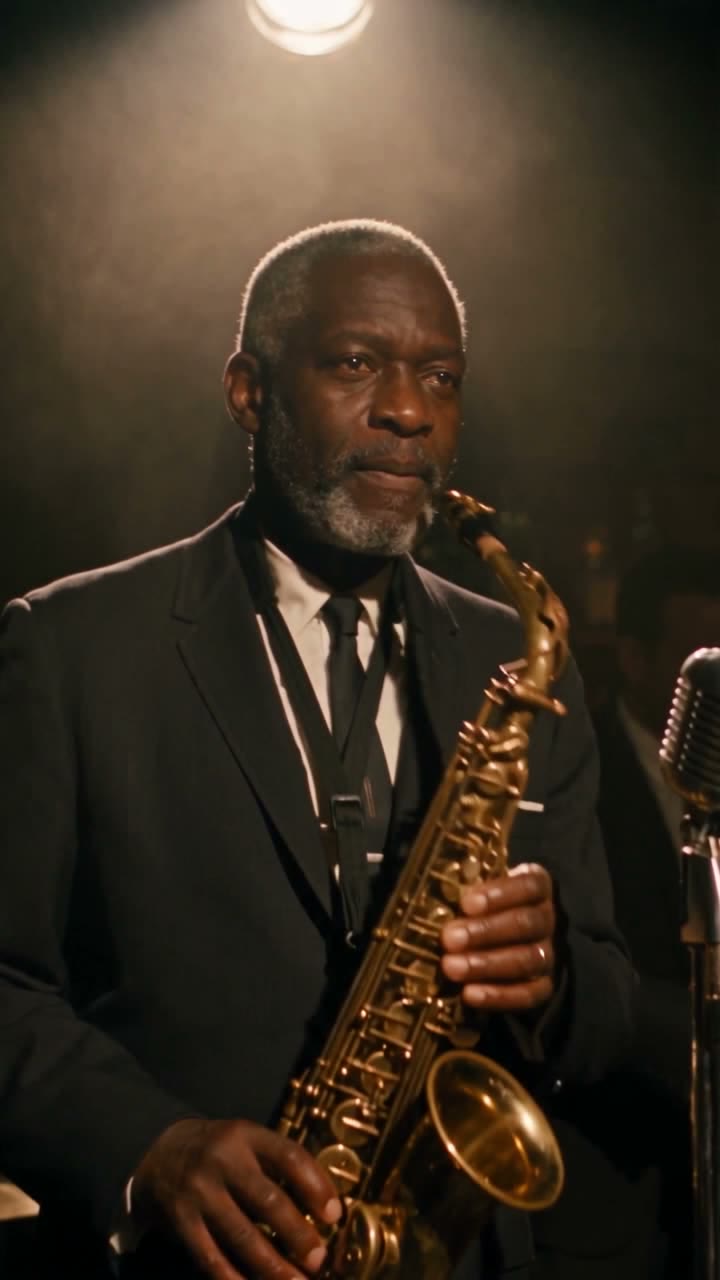
- FamiliesAn AI family video for the group chat: one short film per person, with Dad in a submarine and your sister riding into town. One face in each video.
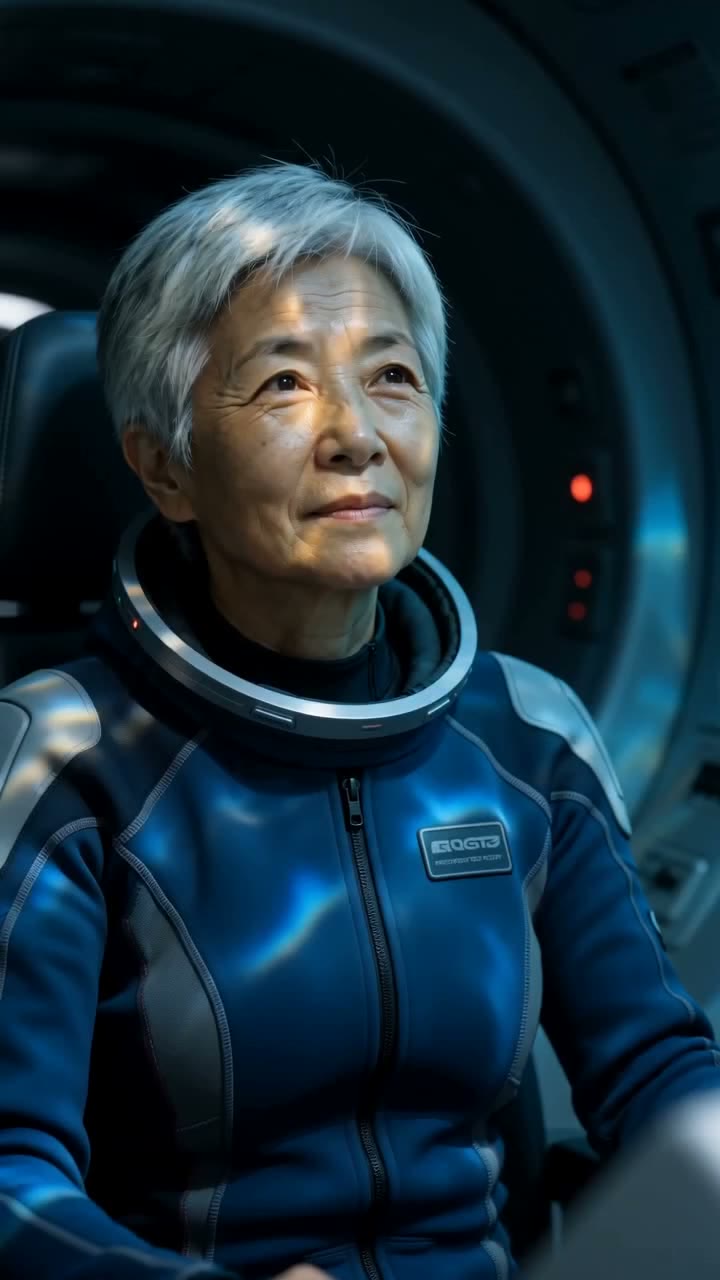
- Family heritageMake a family heritage video from one photo and one true sentence about where your family comes from: a specific place and moment, never a costume.Family heritage
- Family tree and genealogyOne use of AI for genealogy: put the face from an ancestor's portrait into a new short video scene from their era. An illustration to share, not a record.
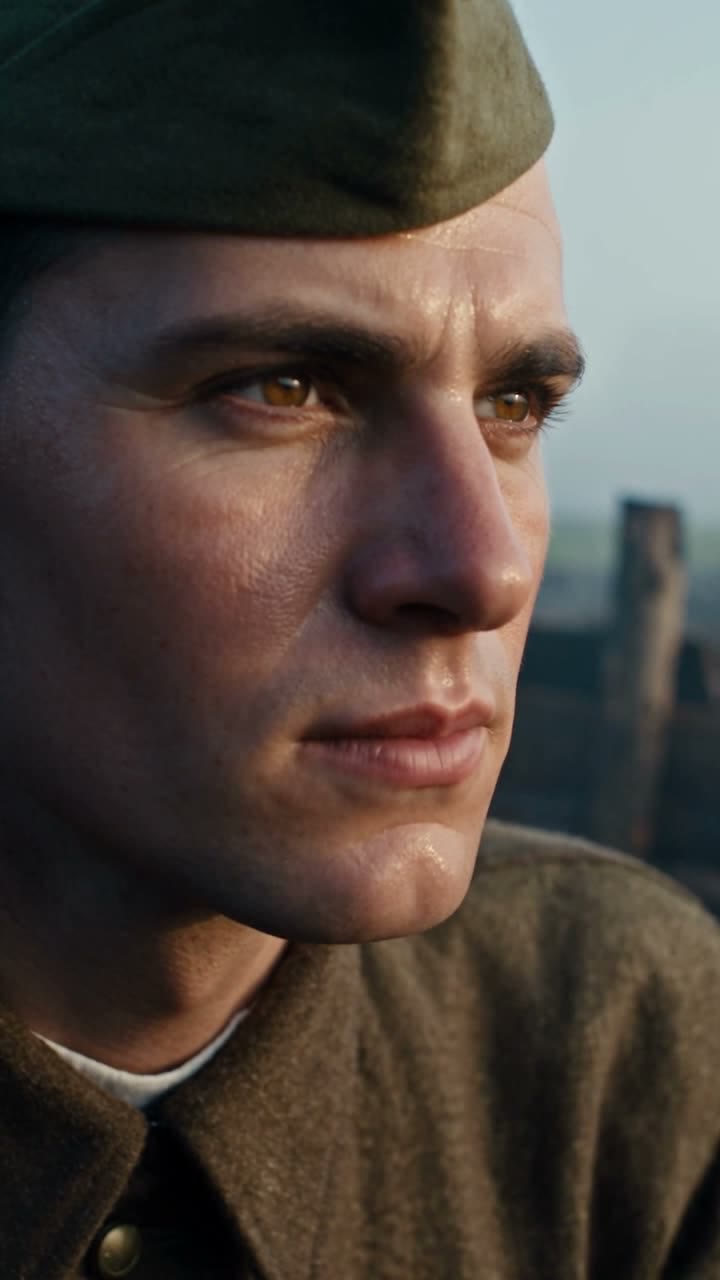
- GamersAI video for gamers: put your face on a samurai street, in a sci-fi colony or a fantasy keep. A short clip to open a stream or send the squad.

- GrandparentsAI video for grandparents: Grandma or Grandpa stars in a short film from one photo, or makes one for the grandkids. Few steps, easy to share and watch.
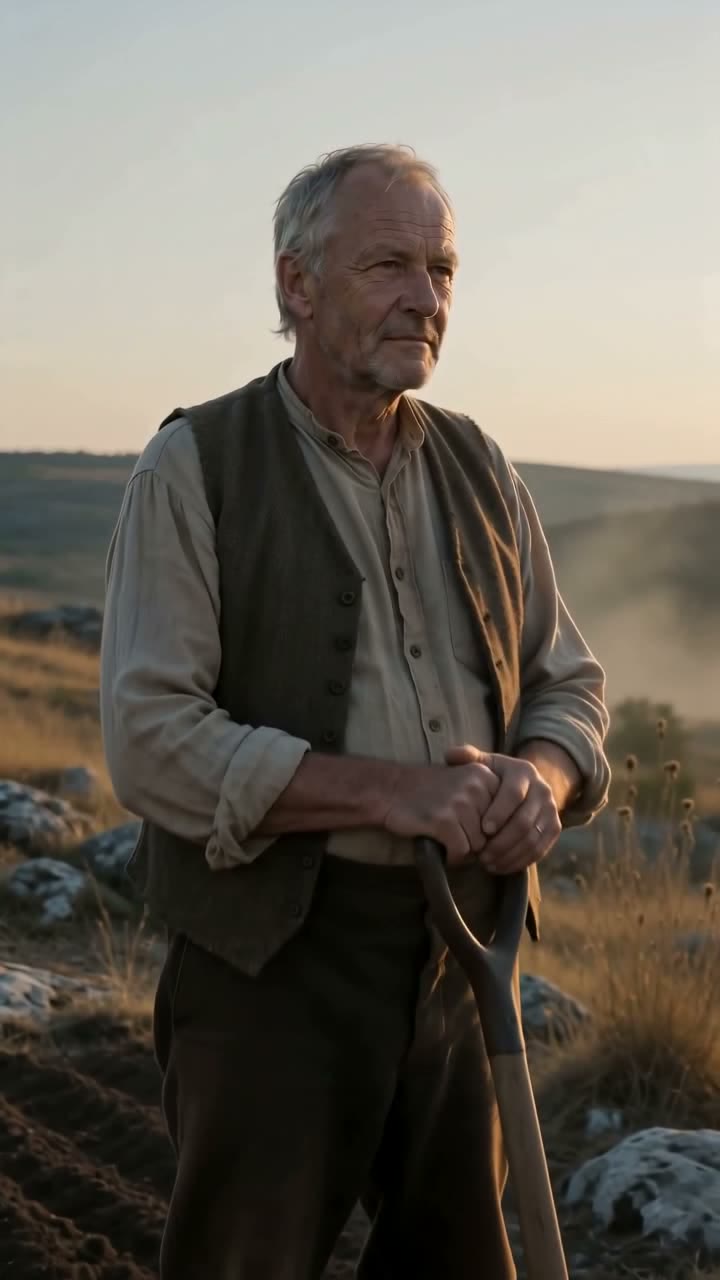
- History buffsAI history videos with your own face in them: stand on a Viking longship, a samurai street or a Roman forum. Add one photo and pick or write the era.
- TravelersMake an AI travel video before the trip: see yourself in Tokyo or Paris from one photo, count down the days, or reveal a surprise trip with a short film.
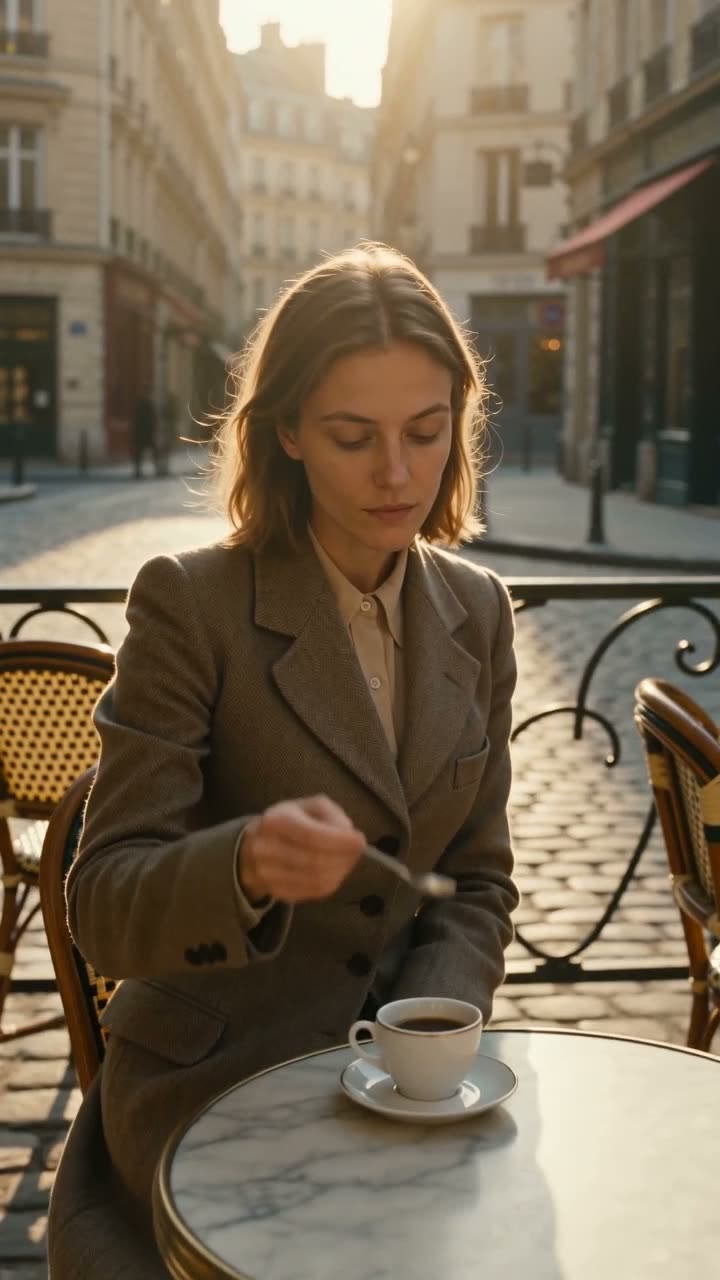
One photo. Any scene. Your film.
Coming soon to iPhone: add one photo and pick a scene. Free to try, no account needed.
For iPhone.