Stage and Music AI Video Prompts
One sentence puts a face you know under the spotlight. Copy a scene, add one photo, and get a short AI concert video starring that face.
Pick a stage, copy a sentence
The lights go down and a spotlight finds one person. The lists on this page put a face you know in that light.
Copy a sentence from one of the lists below, paste it into “Describe your scene”, and add one photo of one face. You get a 3 to 10 second video starring that face. vidmi is an iPhone app, it is free to try, and there is no account.
Two limits, up front. You cannot pick a song, upload audio, or choose the words anyone sings or says, and nothing is lip-synced. The scene brings its own sound, or you leave it silent. And each video has one face: the band, the dancers and the crowd are part of the scene.
The stage is an invented one. The lists name no real band, performer, venue or song.
Music prompts: rock and disco
The rock star list has a garage band, a dive bar gig and stadium lights. For something shinier, the 70s disco list has a light-up floor and platform shoes.
Try this one, a singer in a small club:
- “Me in a sequin jacket on the small stage of a velvet-curtained club, holding a microphone with both hands as pink and blue lights sweep over a dancing crowd.”
Dance and musical theater prompts
The dance floor list covers ballrooms, salsa clubs and a Sunday kitchen in socks. If you want curtains and a balcony, the musical theater list has the opening number, the ballad and the bow.
Try this one:
- “Me waiting in the wings of an old theater, one hand on the red curtain, a small work lamp glowing, then stepping out into a single white spotlight.”
Red carpet and premiere night
Sometimes the star of the night just arrives. The red carpet list has stepping out of the car, the slow walk past the photographers and the after-party balcony.
Try this one:
- “Me in a midnight-blue suit in a quiet theater lobby, fixing my cuff in a tall gilded mirror, camera flashes flickering through the glass doors behind me.”
Sound on stage: what you can and cannot choose
The “Sound” setting in “4. Format” has three choices. “Voices + sounds” lets people in the scene talk, sing or shout, with the sounds of the scene around them. “Sounds only” keeps just the room: crowds, music in the room, no voices. “Silent” gives you no sound track.
The voices come with the scene, so the song is never one you picked. Want your own track under the clip? Choose “Silent” and add your own music afterward in an editor. The three choices are explained in voices and sounds.
Start from a ready-made scene
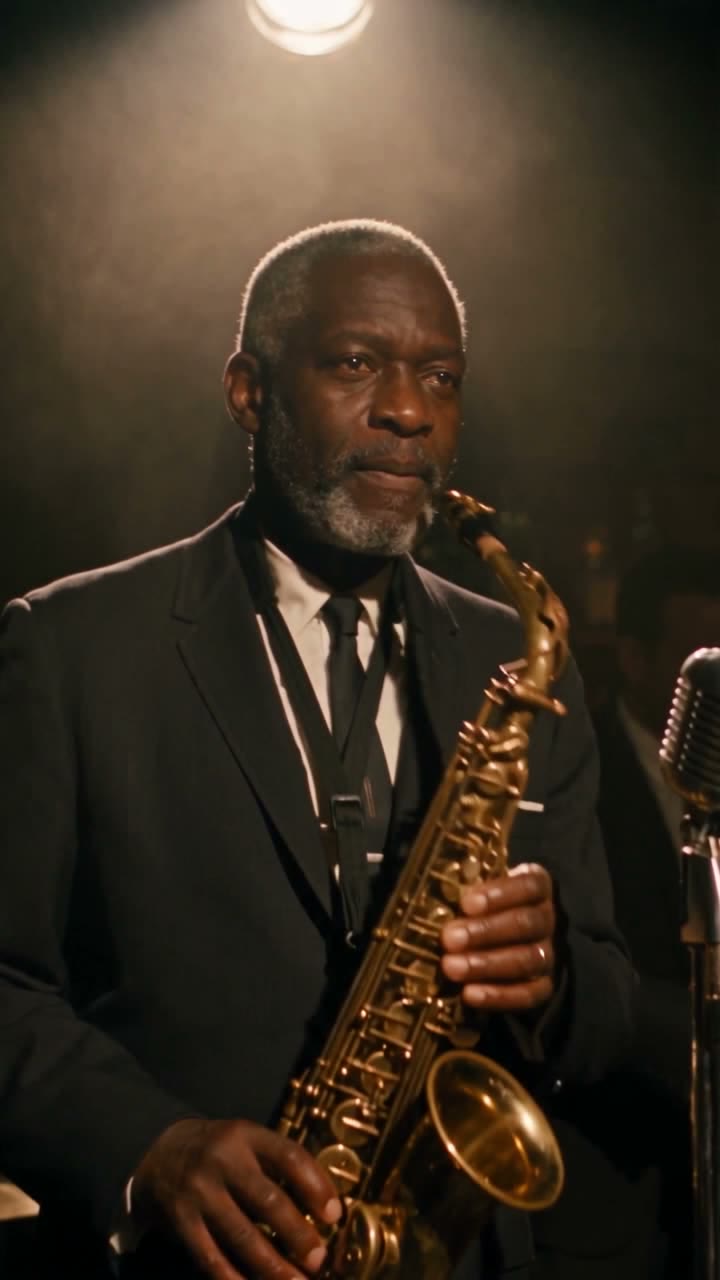
The simplest way in is a scene that is already built. The Smoky Jazz Bar is a late night, a small stage and a saxophone in your hands. Open it, tap “Create with this scene”, and add your photo.
The scene has a sample film, and “Use this video as reference” makes yours follow its camera moves and timing closely. The switch is off by default, and it is not available on a free video.
That is face swap video in vidmi: your face goes into our scenes, not yet into a video you upload. Browse all scene ideas, or see how to choose the best photo for your video.
One photo. Any scene. Your film.
Coming soon to iPhone: add one photo and pick a scene. Free to try, no account needed.
For iPhone.