Every film is marked.
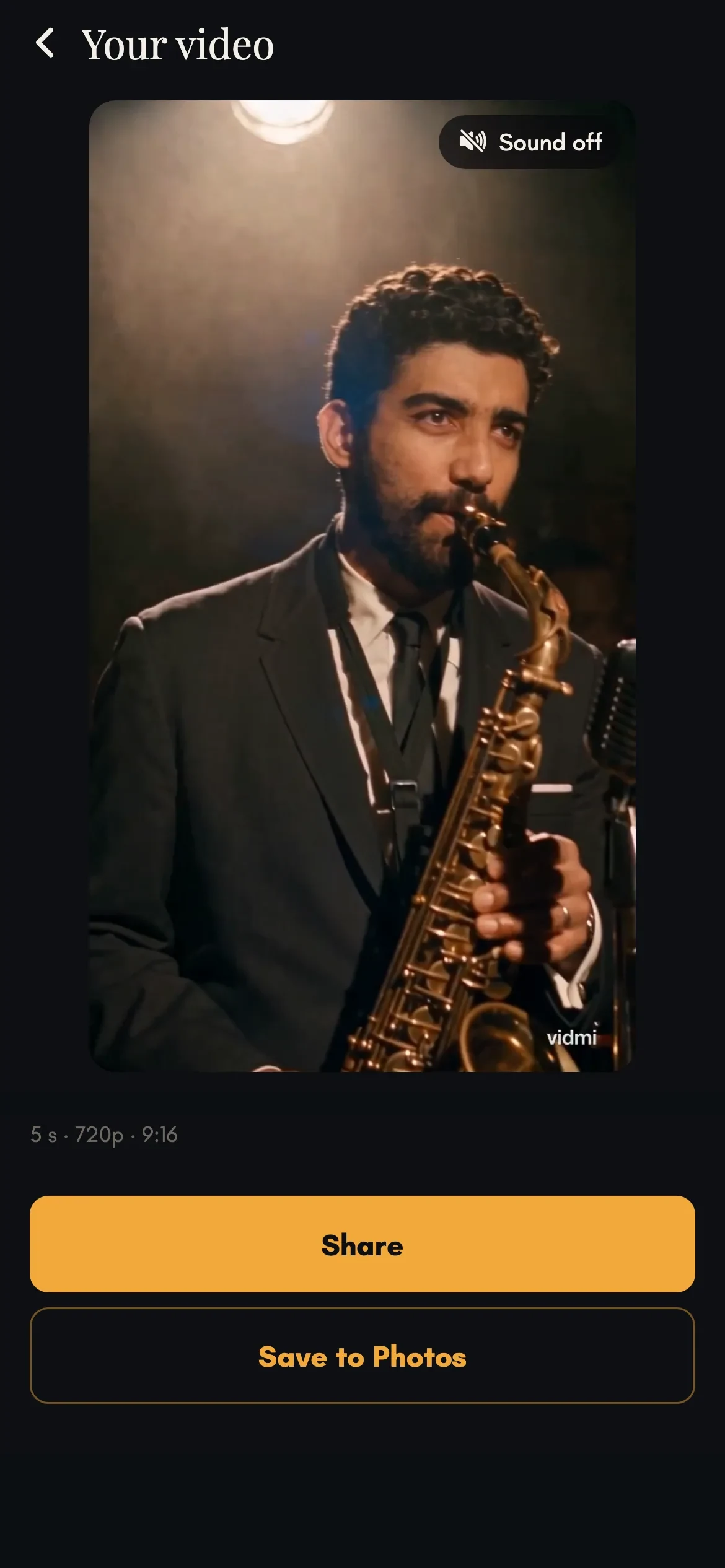
People should know when a video was made, not filmed. A small vidmi mark sits in the corner of every film, free or paid, and it stays.
About vidmi
vidmi turns one photo into a short film. We built it for anyone who has looked at a picture and wondered what came next.
Where it started
Every family has one. A small print of a young man in uniform, a little faded, a little creased. You know his face by heart. You have never seen it move.
We wanted to see him standing watch in a trench at dawn. We wanted to see ourselves on the Moon, with the Earth over the horizon. Not with crews and months. With a phone and a few minutes.
So we made vidmi. In the app’s own words:
Turn a photo into a short film. Be your own director.
What we care about
People should know when a video was made, not filmed. A small vidmi mark sits in the corner of every film, free or paid, and it stays.
Use photos you have the right to use, and ask before you put someone in a scene.
How we think about safetyYou see the cost before you tap. If a film fails, your credits come back on their own.
The moment someone goes quiet, then laughs, then watches it again. Everything else gets out of the way.
Small on purpose
Add one clear photo of a face, pick a scene or write your own, and vidmi directs the rest. Nothing to sign up for, nothing to learn first.
See how it works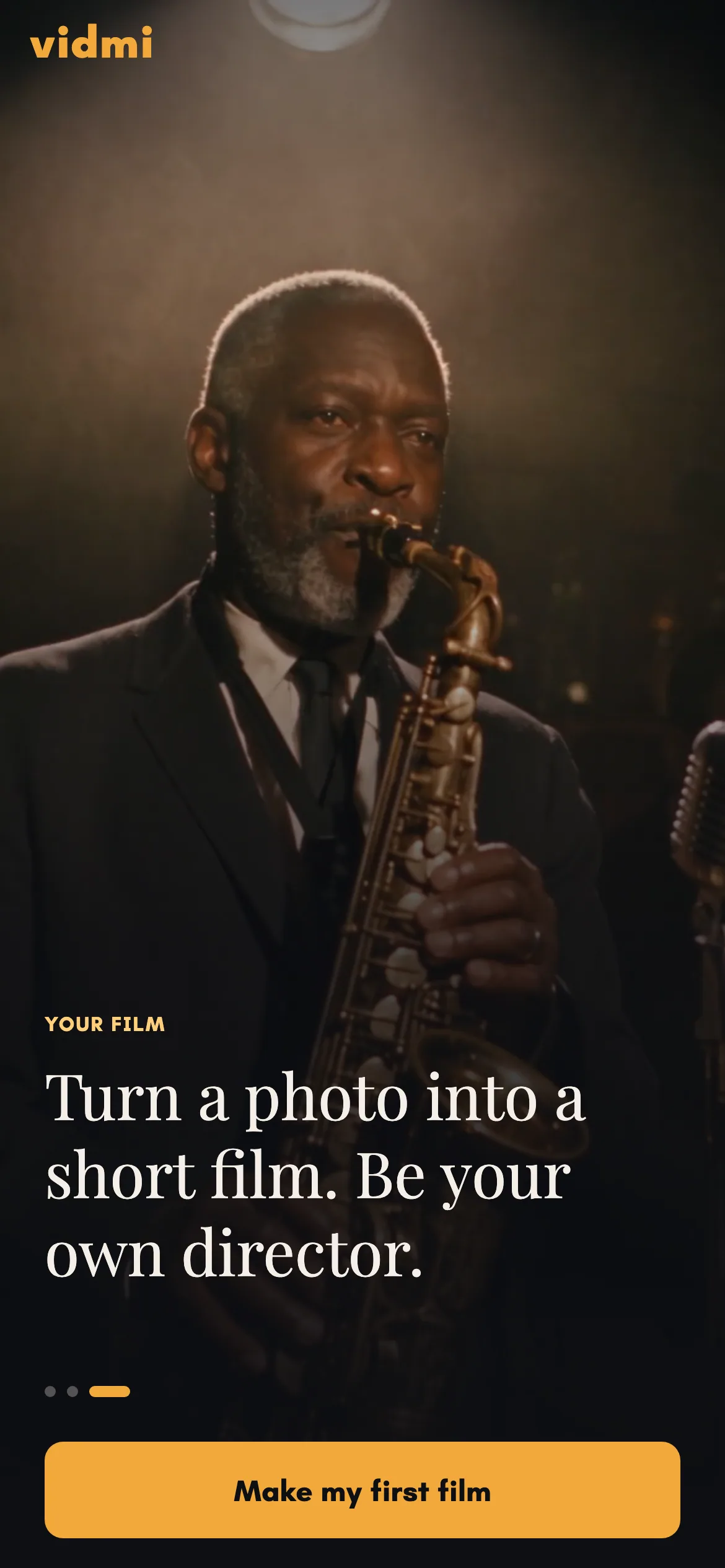
Who makes vidmi
The people in your photos deserve more than a frame. That is the whole idea. Questions start at Contact. Writing about vidmi? Visit Press. vidmi is made and run by APP QUANT YAZILIM ANONİM ŞİRKETİ, Üniversiteler Mah. 1597 Cad. No: 3 İç Kapı No: 127, Çankaya/Ankara, Türkiye.
Yes. Every video carries a small vidmi mark in the bottom-right corner, free and paid alike. There is no option to remove it.
Yes, with care. Use photos you have the right to use, and ask the person first when you can.
No. You can make films without one. Signing in with Apple or your email address is optional, and keeps your films and credits when you change iPhones.
Coming soon to iPhone: add one photo and pick a scene. Free to try.
For iPhone.